 1
1Choose the details
Add the child’s name, age, theme and favourite character.
Create personalized stories, illustrated covers, printable coloring pages and playful learning activities for your child.
Keep little minds busy on journeys, during waiting time or wherever Wi-Fi is unavailable. PlayDot educational games are available offline in the mobile app.
 Personalized stories
 Coloring pagesLearning games
Create personalized stories, explore coloring pages and play learning games. With today’s app update, you will be able to open Story Library offline to read stories you have already created, browse your saved coloring pages, and play games.
Get it on Google Play Scan to download on Google Play
Join the iOS launch list. We’ll email you once PlayDot is available in the App Store.
PlayDot brings storytelling, creativity and early learning together in one simple experience.
Create personalized adventures for bedtime, quiet time or any time.
Create a Story →
Create printable coloring pages from playful themes.
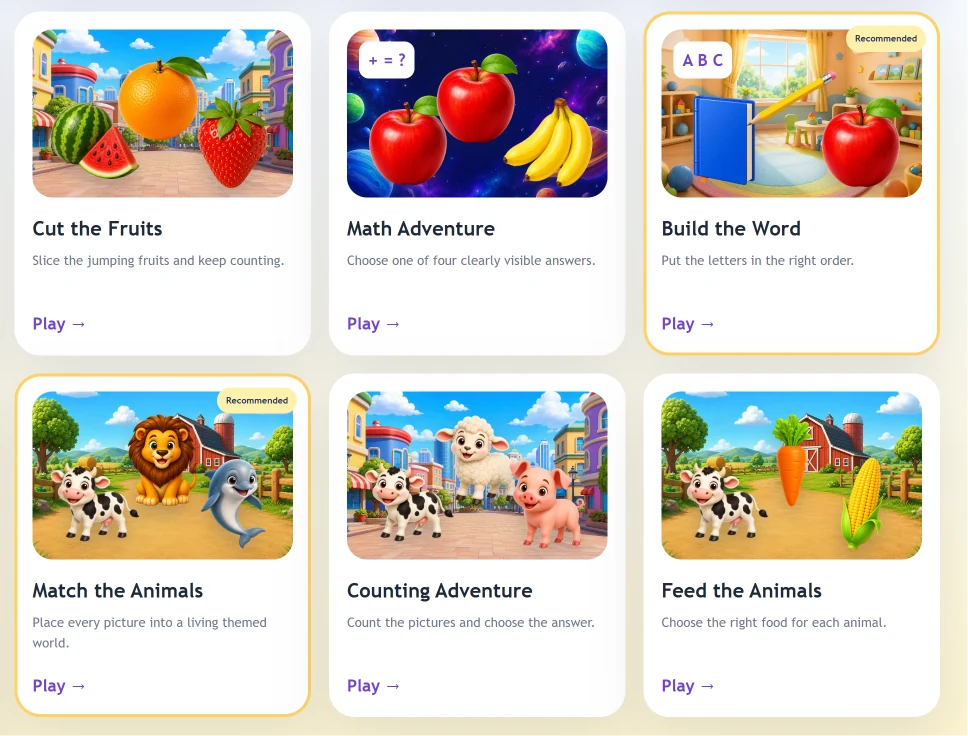
Open →Enjoy memory, maths, word and visual puzzle games — online or offline.
1Add the child’s name, age, theme and favourite character.
 2
2PlayDot turns those details into a personalized story.
 3
3Enjoy the story, save it to the library and continue with games or coloring.
Stories can include the child’s name, age, favourite theme and main character.
Turn imagination into illustrated covers, coloring pages and playful activities.
Memory, words, numbers and visual puzzles help make practice feel like play.
Educational games stay available without internet in the PlayDot mobile app.
Signed-in families can keep saved stories together and open them again later.
PlayDot supports English, Romanian, French, Spanish, Italian, German, Portuguese and Polish.
A clear, guided experience that is easy to use on mobile and desktop.
Each area is designed to keep the experience simple, colourful and engaging.
Choose an age from 2 to 12. Activities adapt to that age, with three challenge levels. Activities for ages 2–4 stay suitable for younger children.
Offline games are available in the PlayDot mobile app. The website and creating new AI stories need an internet connection.
Open a story and use Read Story, Pause or Stop. You can read along with your child at your own pace.
Use Print Story or Download PDF on the story page to keep a copy for reading together.
Try 1 guest story before registration. Free includes 3 stories per month and 3 games with 5 minutes per session. Premium includes 30 stories, 30 AI covers and 30 coloring pages per month.
Start with a child’s name and a simple idea. PlayDot will help turn it into a special experience.
Create Your First StoryNotifications